Ultrasound Machine Replacement Batteries
-
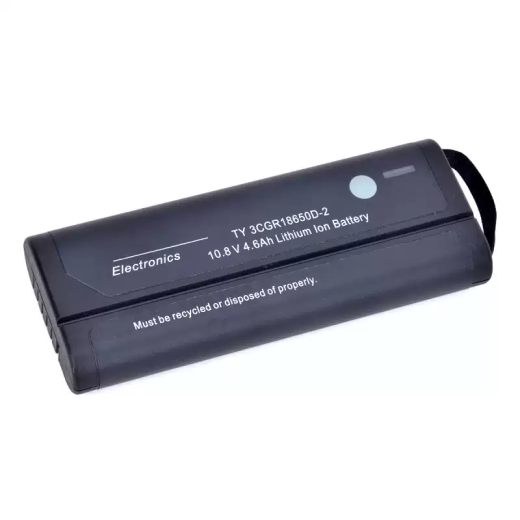 Ultrasound Machine Batteries
HSTORMB 10.8V 4.6Ah Li-ion Battery | Bard Site~Rite 5 / NF2040XD
US$365.67 Add to cart -
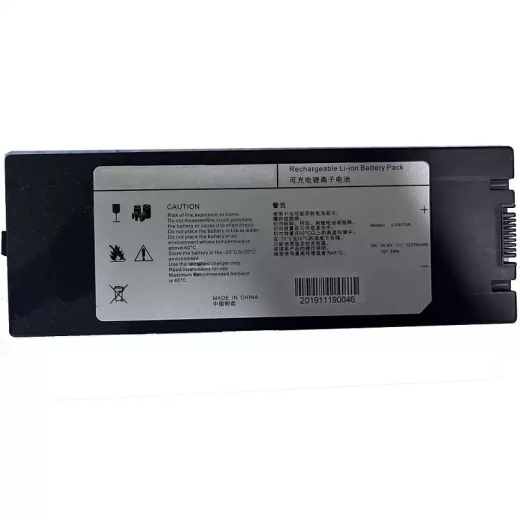 Ultrasound Machine Batteries
HSTORMB LI14I13A 14.6V Li-ion Battery | Wisonic Navi Reference
US$373.13 Add to cart -
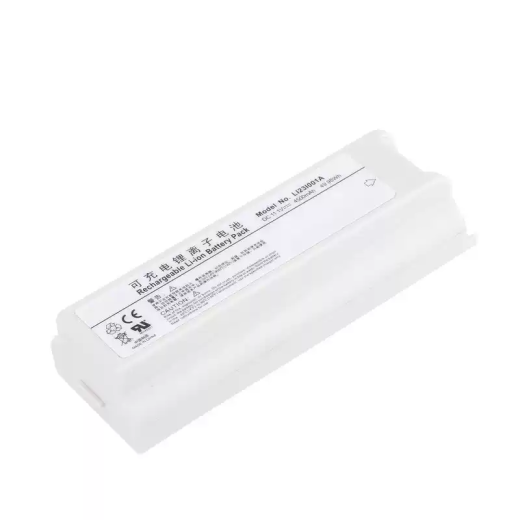 Ultrasound Machine Batteries
Jinhui Rechargeable Replacement Battery Compatible with Mindray M5, M5T, M7, M7 Series, LI23I001A, M7T
US$447.76 Add to cart -
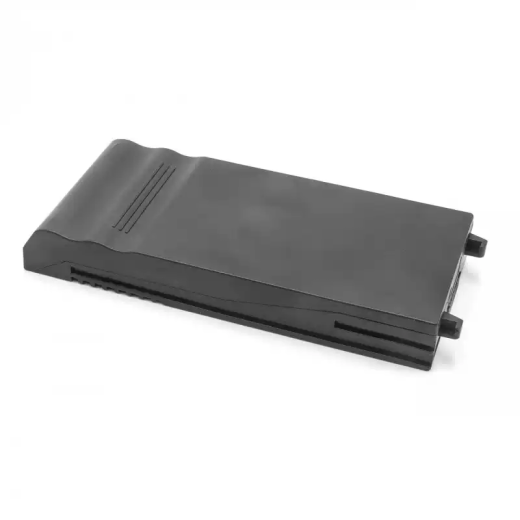 Ultrasound Machine Batteries
Rechargeable Battery Compatible with GE VIVID i
US$522.39 Add to cart -
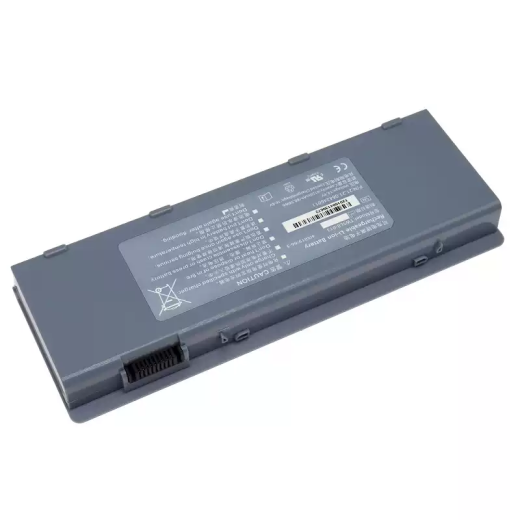 Ultrasound Machine Batteries
Rechargeable Lithium-Ion Replacement Battery Compatible with EDAN TWSLB-013, acclarix A8
US$429.10 Add to cart -
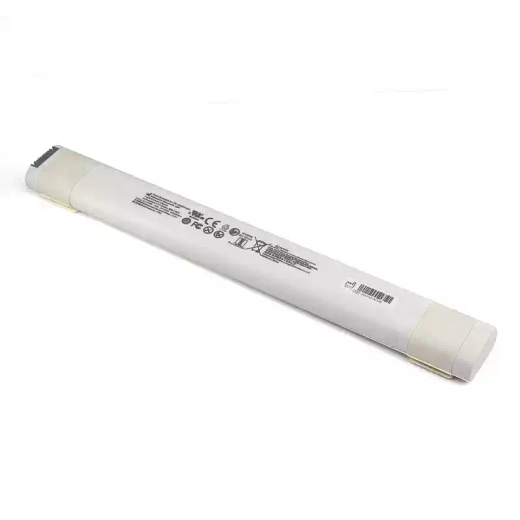 Ultrasound Machine Batteries
Replacement Battery Compatible with GE Venue Go, S5764348-1, S5764348, S5856077
US$522.39 Add to cart -
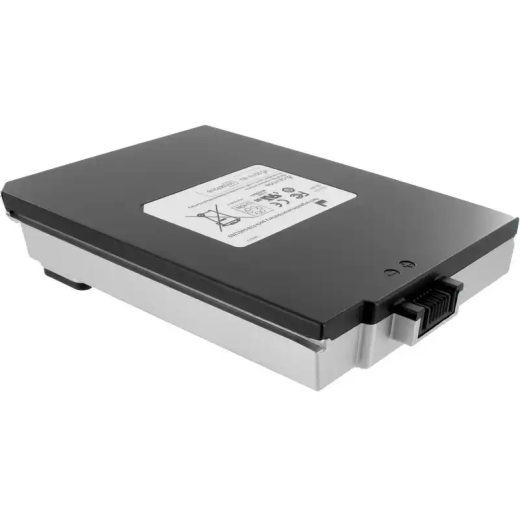 Ultrasound Machine Batteries
Replacement Battery Compatible with GE Vivid-I, Vivid q, Vivid S5, Vivid S6, 5401272, 5423275
US$541.04 Add to cart -
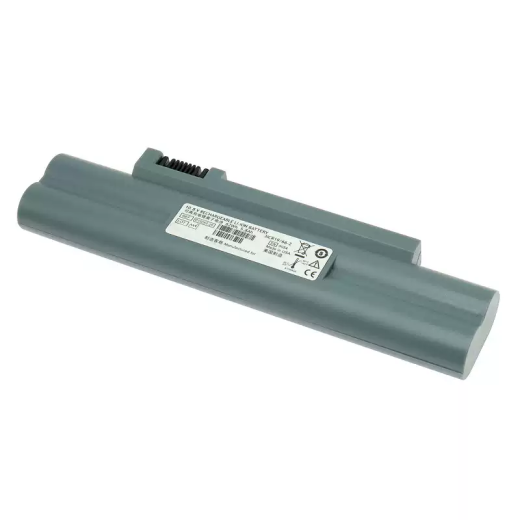 Ultrasound Machine Batteries
Replacement Battery Compatible with Sonosite P07168, P07168-02, P07753-20, M-Turbo
US$373.13 Add to cart -
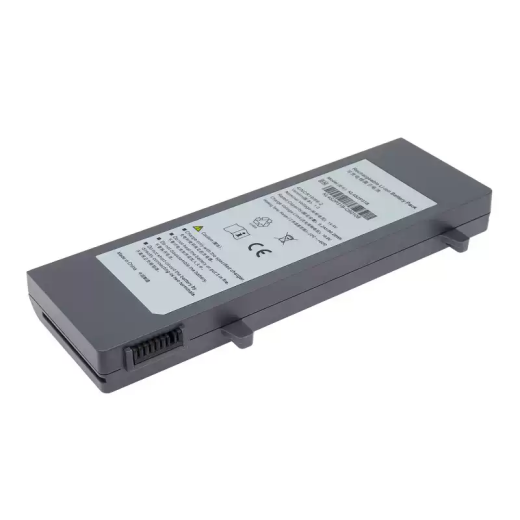 Ultrasound Machine Batteries
SonoScape E2/E3 Battery Candidate, KL4S2P31B Reference | HSTORMB
US$485.07 Add to cart
BATTERY MATCHING NOTES
Finding the correct ultrasound machine battery
Portable ultrasound systems, laptop-style scanners, and cart-based units may use multiple battery revisions over the life of one model family. Search the catalog with the battery part number first; when that is unavailable, use the full scanner model and compare every visible physical detail.
Check each battery position separately when a system uses more than one pack. Confirm voltage, chemistry, watt-hours, connector or blade contacts, latch and rail geometry, enclosure dimensions, and the label revision. Do not rely on a shared series name or appearance alone.
Details to verify
- Complete ultrasound system model and any battery-bay position or module reference
- Original battery part number, alternate service number, and revision suffix
- Voltage, chemistry, capacity, watt-hours, terminal layout, and polarity
- Pack profile, rails, latch location, contact spacing, and side-by-side photographs
Read the portable ultrasound battery guide Request a compatibility check
Common questions
Why are several battery numbers listed for one ultrasound model?
A model family can use alternate suppliers or revised packs. Treat each number as evidence to check, and confirm the exact configuration before ordering.
Can two identical-looking packs have different contacts?
Yes. Contact spacing, keying, internal electronics, and polarity may differ even when the outer enclosure looks nearly identical.
What if the battery label is unreadable?
Provide the complete equipment model plus clear photos of the pack, contacts, battery bay, and dimensions. A compatibility review may still require service documentation.
Equipment-maker names and part numbers identify reported applications only and do not imply affiliation or endorsement.