Patient Monitor Replacement Battery Packs
-
 Patient Monitor Batteries
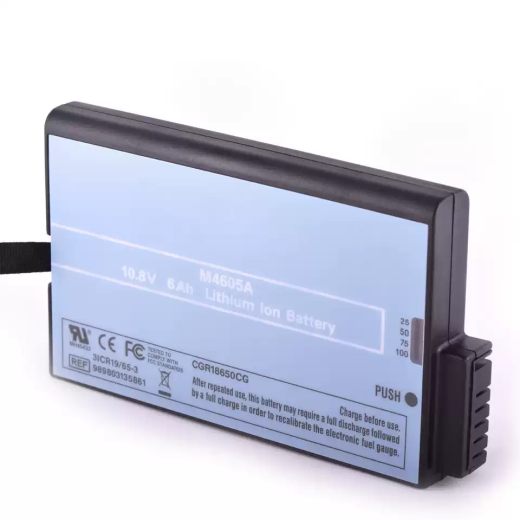
M4605A Battery for Philips IntelliVue MP20, MP30, MP40, MP50 | HSTORMB
US$242.54 Add to cart -
 Patient Monitor Batteries
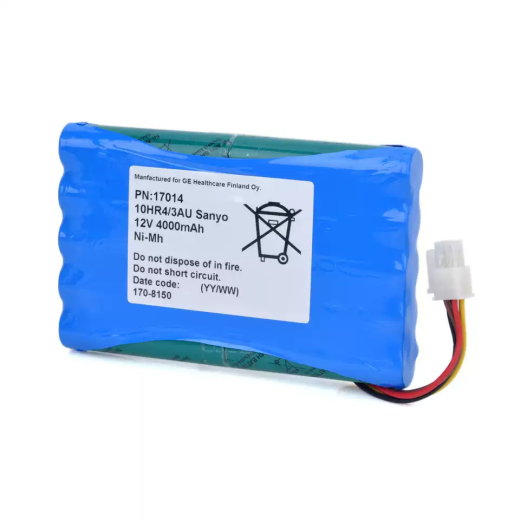
12V 4000mAh Replacement Battery Compatible with GE Datex-Ohmeda S/5 CAM, PN 170-1
US$179.10 Add to cart -
 Patient Monitor Batteries
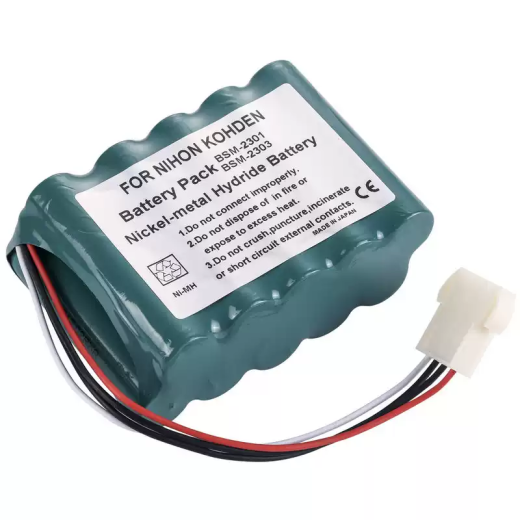
12V Battery Compatible with Nihon Kohden BSM-2301 BSM-2303
US$89.55 Add to cart -
 Patient Monitor Batteries
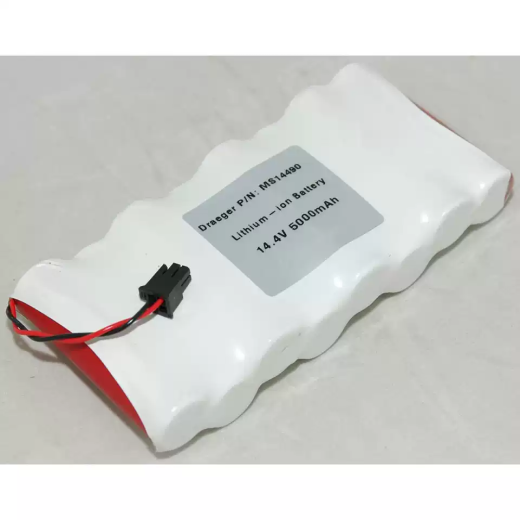
14.4V 5000mAh Replacement Battery Compatible with Drager Infinity Vista, MS14490, SC6002XL
US$134.33 Add to cart -
 Patient Monitor Batteries
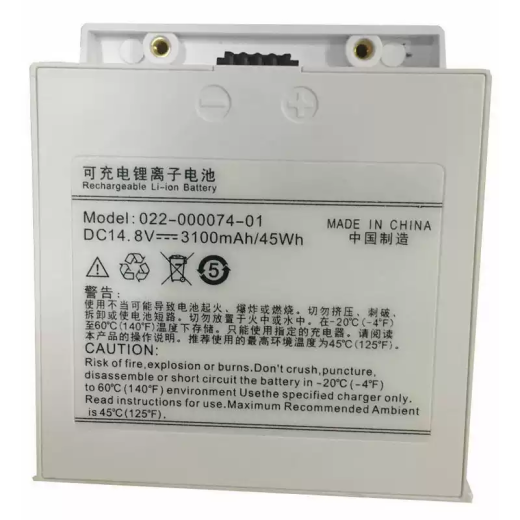
14.8V 3100mAh Battery Compatible with Comen COMEN C60, 022-000074-01
US$205.22 Add to cart -
 Patient Monitor Batteries
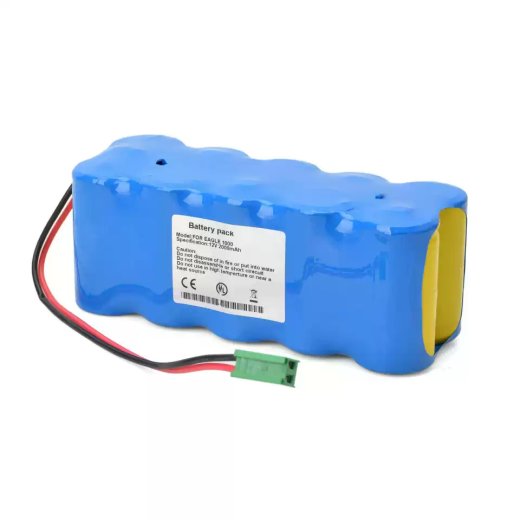
Battery Compatible with GE EAGLE 1000, EAGLE 1006, Eagle 1008, 1009, 30344409
US$96.64 Add to cart -
 Patient Monitor Batteries
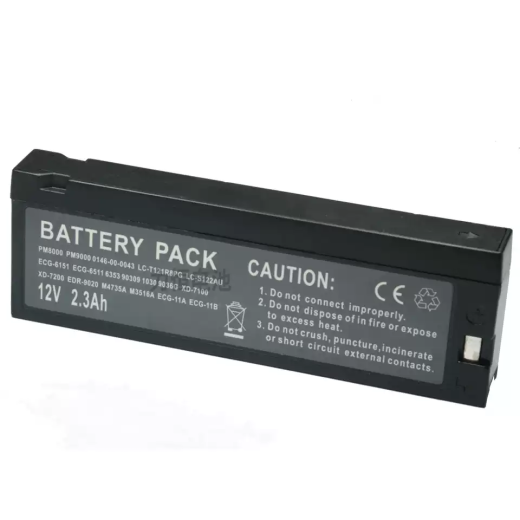
Battery Compatible with Mindray M05-302R3R, 0146-00-0043, MEC2000, MEC1000
US$67.16 Add to cart -
 Patient Monitor Batteries
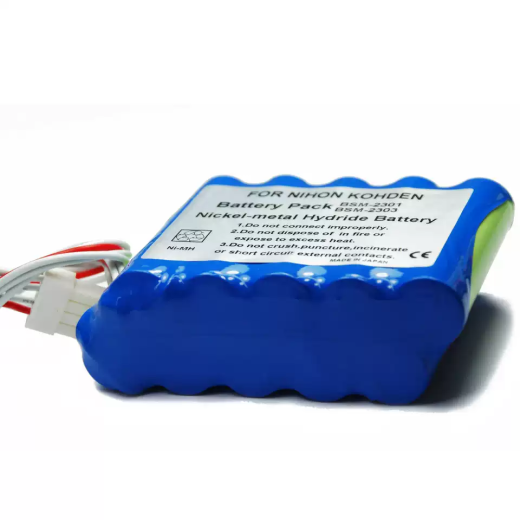
Battery Compatible with Nihon Kohden BSM-2301C, BSM-2301K, BSM-2303C, BSM-2303K, BSM-2304
US$89.55 Add to cart -
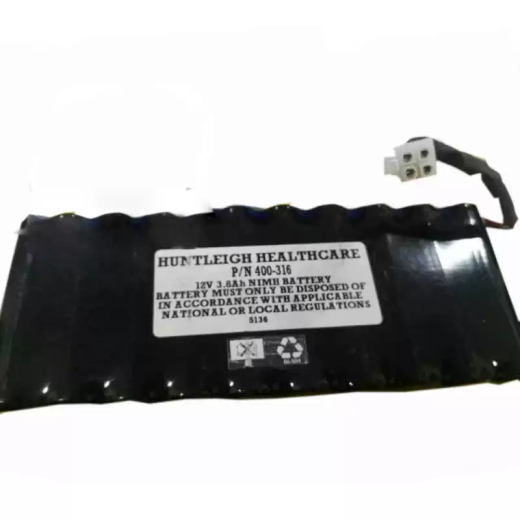 Patient Monitor Batteries
HSTORMB 400-316 12V 3.8Ah NiMH Battery | Huntleigh SC1000 Reference
US$85.82 Add to cart -
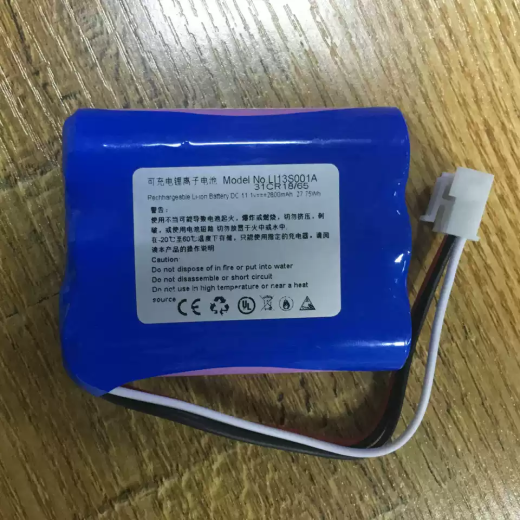 Patient Monitor Batteries
Jinhui Battery Compatible with Mindray LI13S001A, UMEC12, BeneHeart R3, R3A, uMEC10
US$104.48 Add to cart -
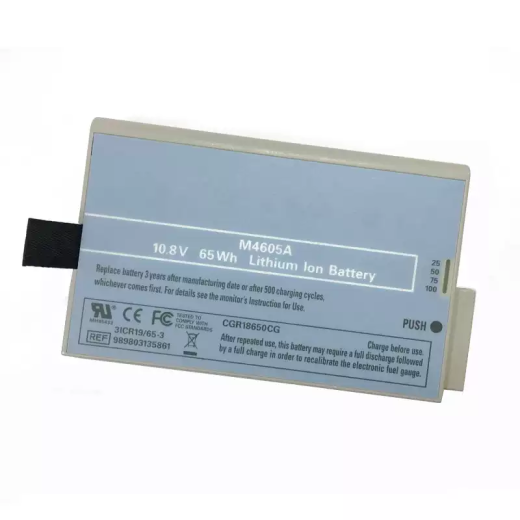 Patient Monitor Batteries
M4605A Battery for Philips IntelliVue MX450, MX500 | HSTORMB
US$242.54 Add to cart -
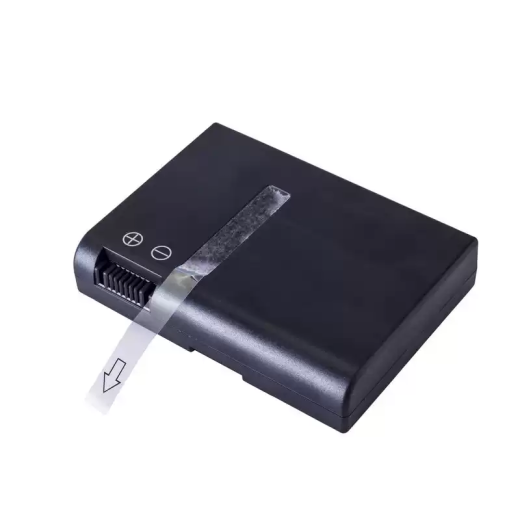 Patient Monitor Batteries
Main Replacement Battery Compatible with Biolight A5, A6, A8, Q3, V6, LB-08, 2-100-0003, Q5, Q4
US$253.73 Add to cart -
 Patient Monitor Batteries
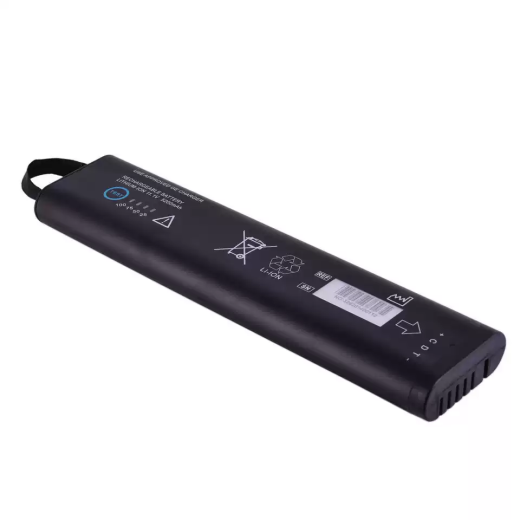
Monitor Replacement Battery Compatible with GE 2017857-002G, Pro Monitor 2, Monitor 3, Monitor 4k
US$457.09 Add to cart -
 Patient Monitor Batteries
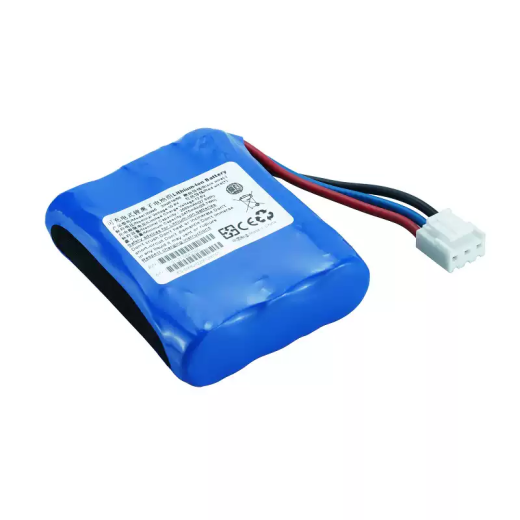
Rechargeable Lithium-Ion Replacement Battery Compatible with EDAN X8, X10, X12, ID995, 3INR19/66
US$89.55 Add to cart -
 Patient Monitor Batteries
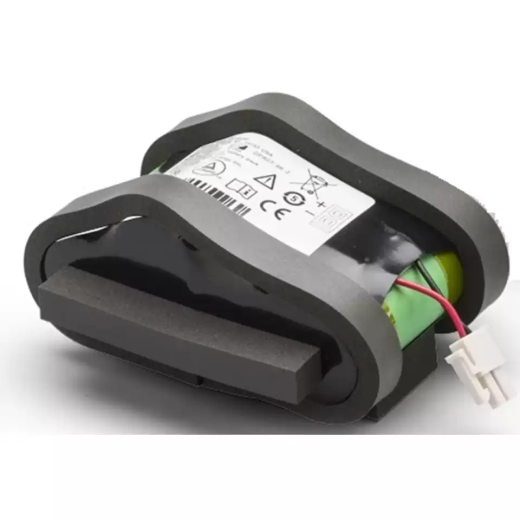
Rechargeable Replacement Battery Compatible with Welch Allyn 105632, LXi, 21FR27/66-2, Spot LXI
US$111.94 Add to cart -
 Patient Monitor Batteries
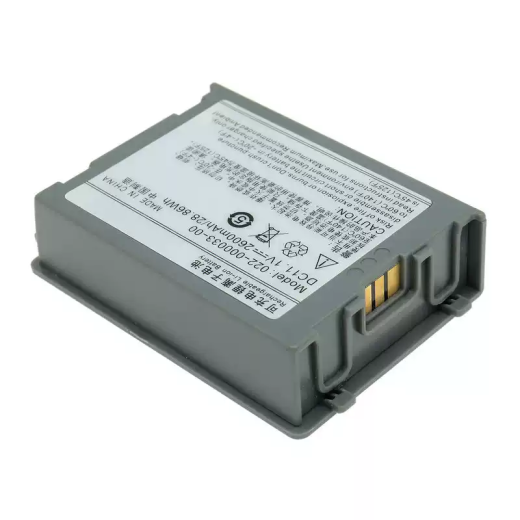
Replacement Battery Compatible with COMEN C30, CMLB-1525, HYLB-1525
US$223.88 Add to cart -
 Patient Monitor Batteries
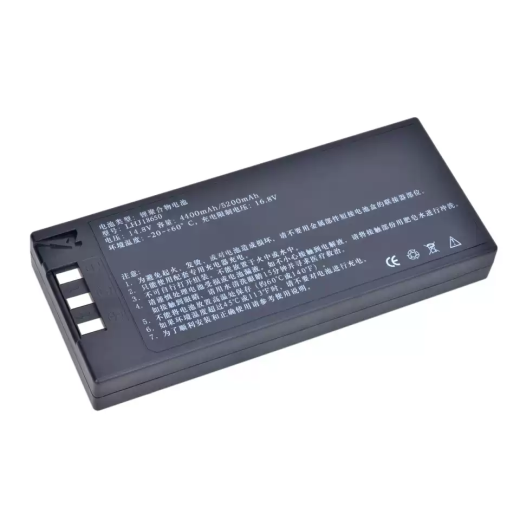
Replacement Battery Compatible with COMEN JHOTA18650, HYLB-1010, C50, C60, 8000D
US$208.96 Add to cart -
 Patient Monitor Batteries
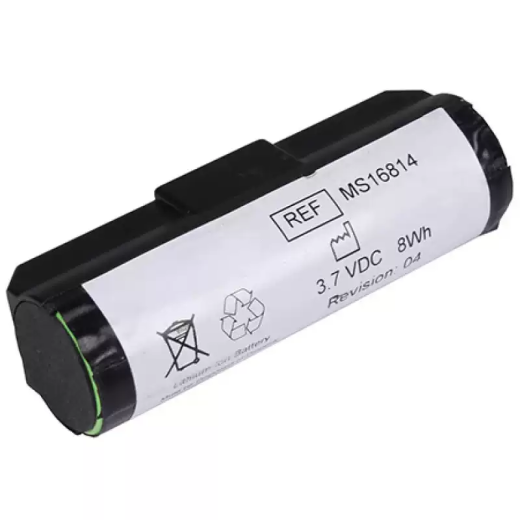
Replacement Battery Compatible with Drager INFINITY M300, MS16814, MS20335, MS29977
US$59.70 Add to cart -
 Patient Monitor Batteries
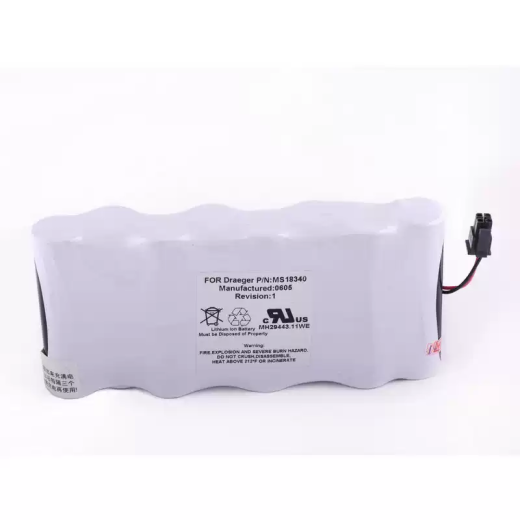
Replacement Battery Compatible with Drager infinty Vista XL, MS18340, MS14234, SC7000
US$220.15 Add to cart -
 Patient Monitor Batteries
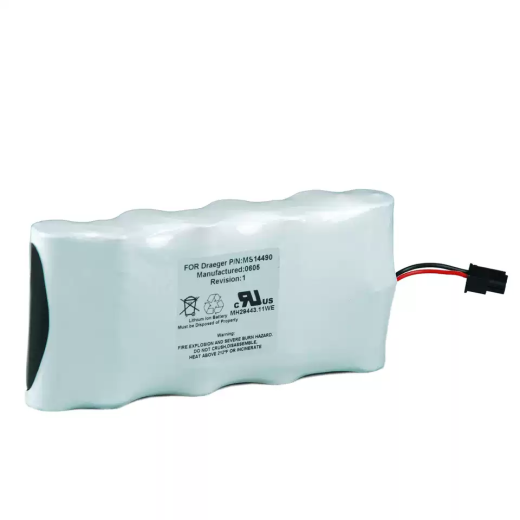
Replacement Battery Compatible with Dräger MS14490, Infinity Gamma, Gamma XL, AS36059
US$133.96 Add to cart -
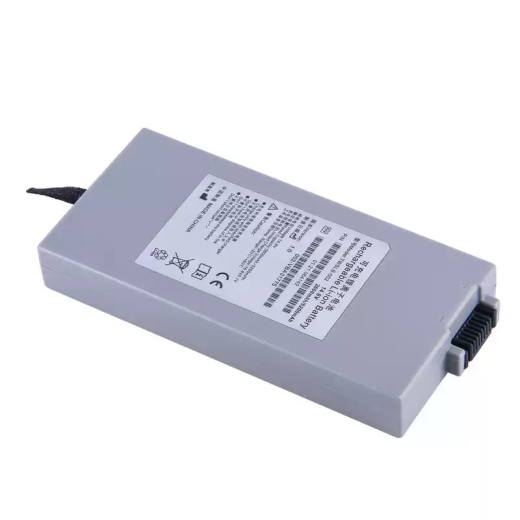 Patient Monitor Batteries
Replacement Battery Compatible with EDAN TWSLB-002, TWSLB-003, IM60, IM8, IM70, IM50, Vista 129
US$119.40 Add to cart -
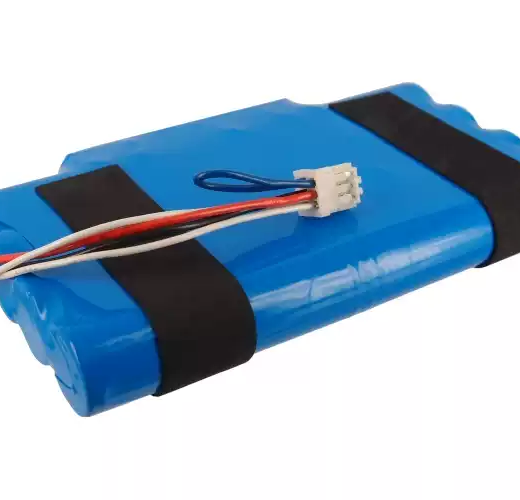 Patient Monitor Batteries
Replacement Battery Compatible with Fukuda Denshi DS-7100, DS-7001, DS-7700, DS-7100, DS-7300, DS-8500
US$100.75 Add to cart -
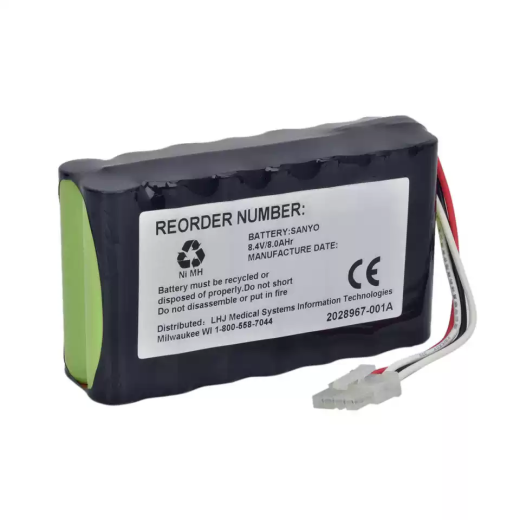 Patient Monitor Batteries
Replacement Battery Compatible with GE DASH 1800, 2023227-001
US$194.03 Add to cart -
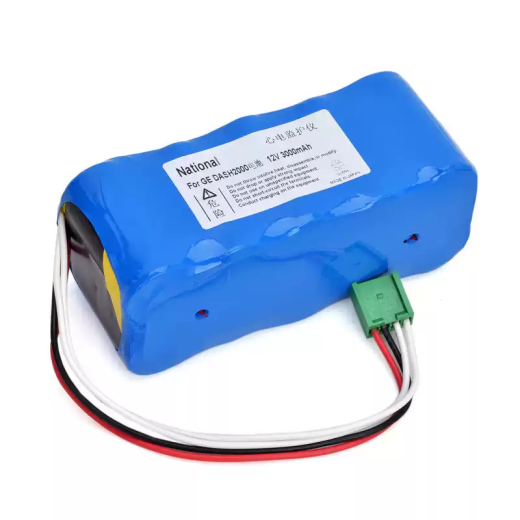 Patient Monitor Batteries
Replacement Battery Compatible with GE DASH2000, DASH 2000, 92916781
US$111.57 Add to cart
BATTERY MATCHING NOTES
How to match a patient monitor replacement battery
Patient monitor families often include bedside, transport, and vital-signs models that look similar but use different battery packs. A series name alone is not a safe match. Start with the complete monitor model, then compare the original battery label and the physical pack.
Use the listings above to narrow the search by model or battery part number. Before ordering, compare the nominal voltage, chemistry, capacity, connector keying, polarity, enclosure shape, latch position, and every suffix or revision printed on the original pack.
Details to verify
- Complete monitor model, including letters, regional suffixes, and hardware revision
- Original battery part number and revision exactly as printed
- Voltage, chemistry, capacity, watt-hours, connector, and polarity
- Pack dimensions, rails, latch geometry, and label or product photographs
Read the patient monitor battery guide Request a compatibility check
Common questions
Can monitors in the same product family use different batteries?
Yes. Manufacturers can change battery packs, connectors, or electronics between models and revisions. Match the full device model and original battery part number, not only the family name.
Is matching the voltage enough?
No. Voltage is only one requirement. Chemistry, capacity, connector keying, polarity, physical fit, communication electronics, and revision can also determine compatibility.
What should I send for a compatibility check?
Send clear photos of the complete battery, both labels, the connector, and the monitor model label, together with the destination country and required quantity.
Equipment-maker names and part numbers identify reported applications only and do not imply affiliation or endorsement.